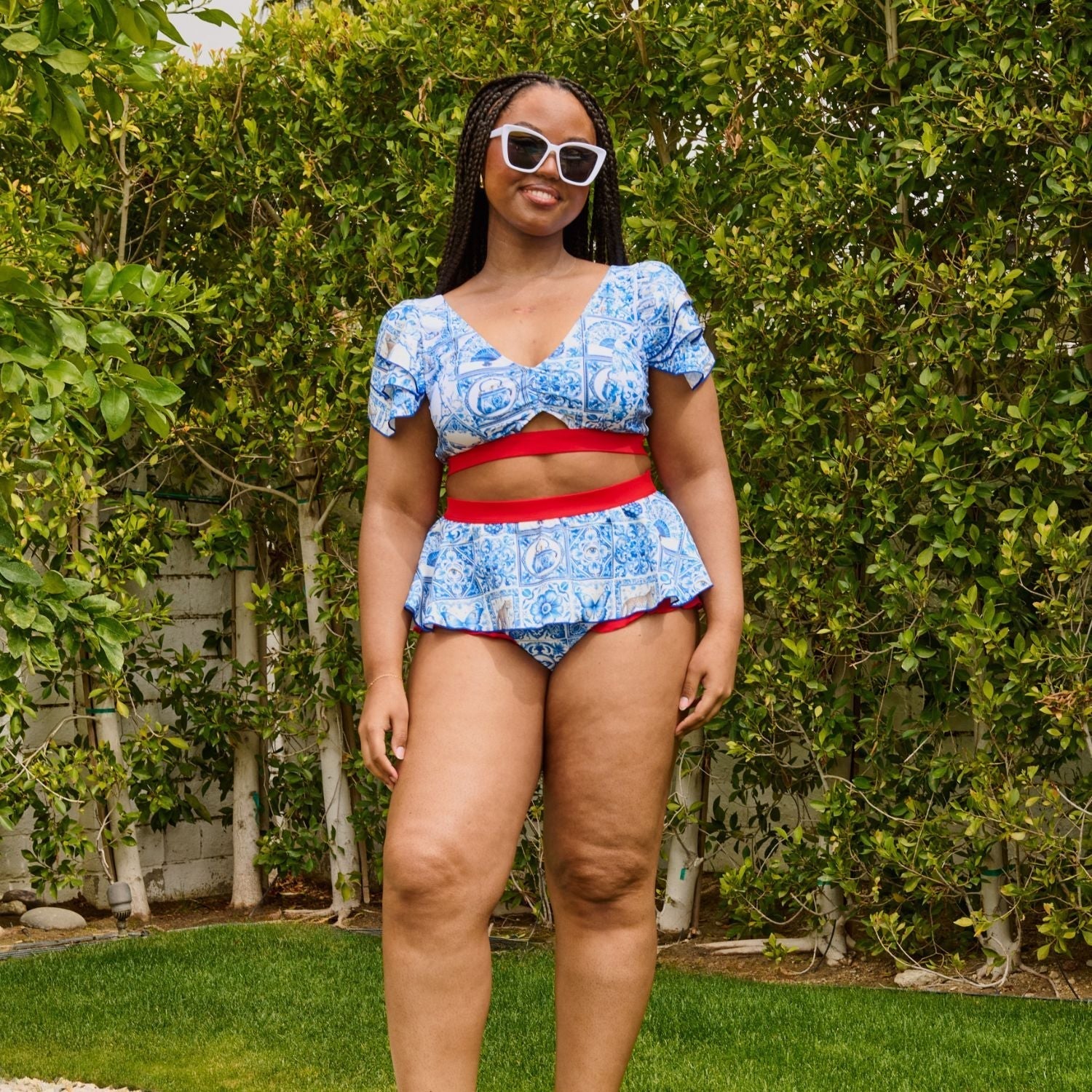
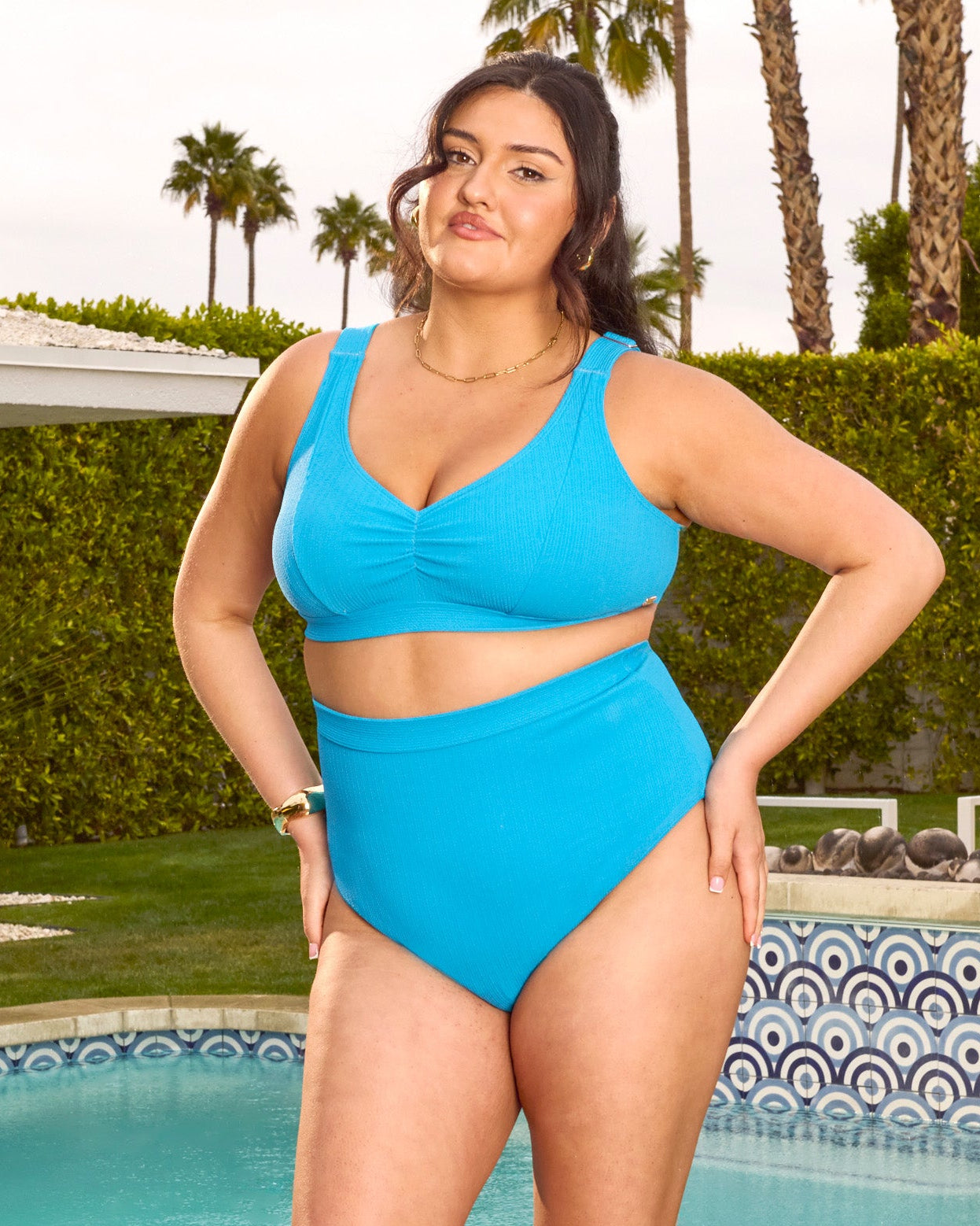
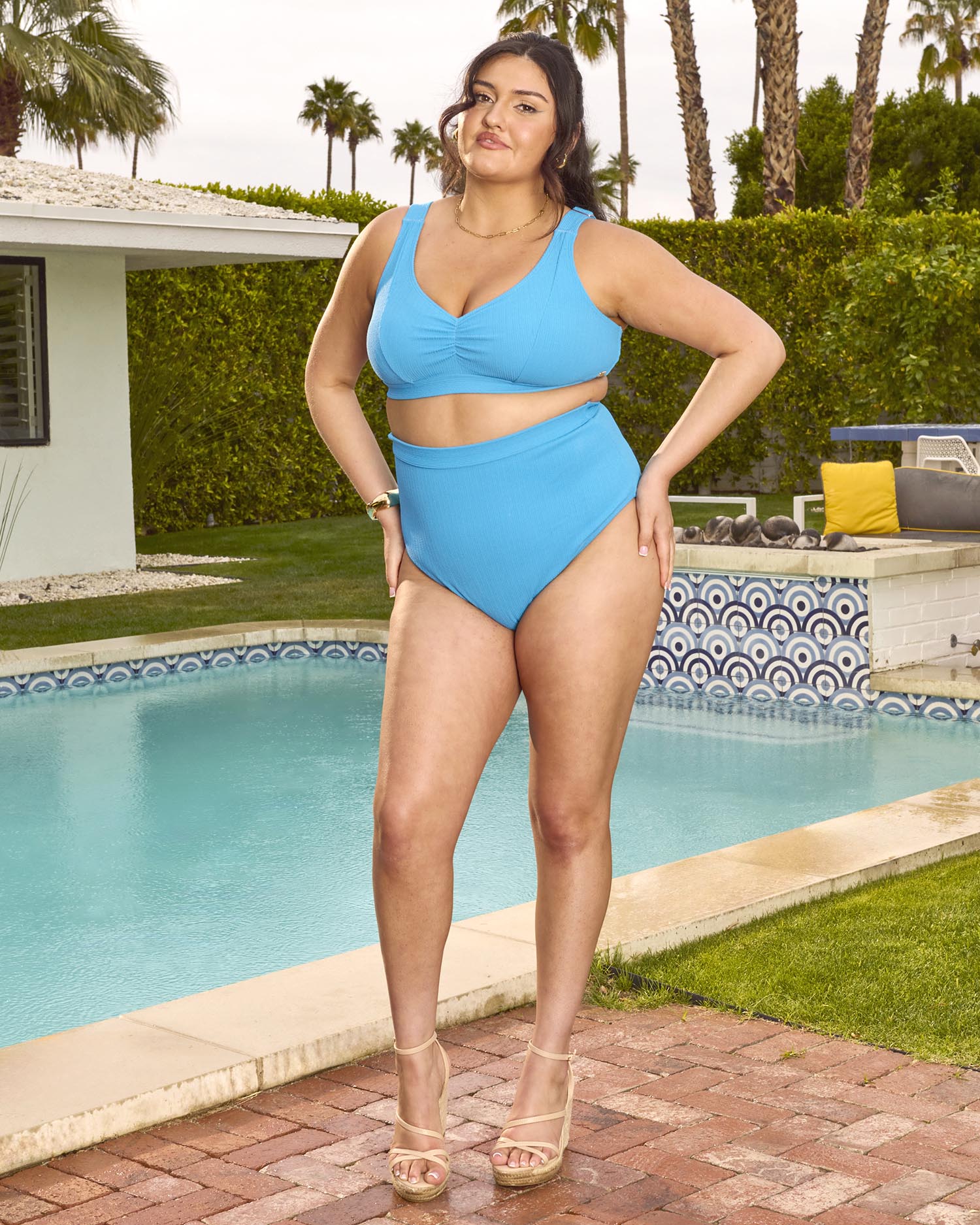
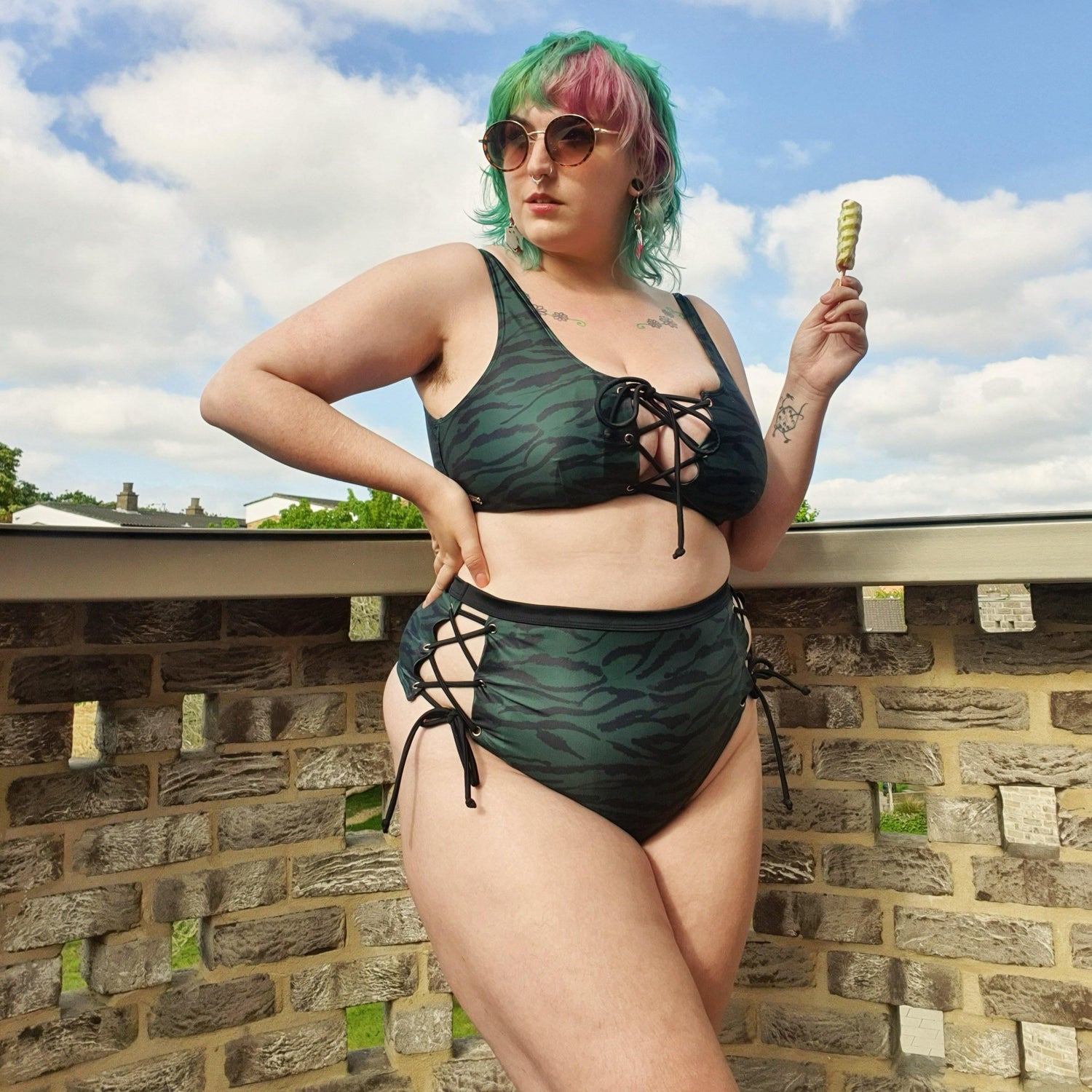
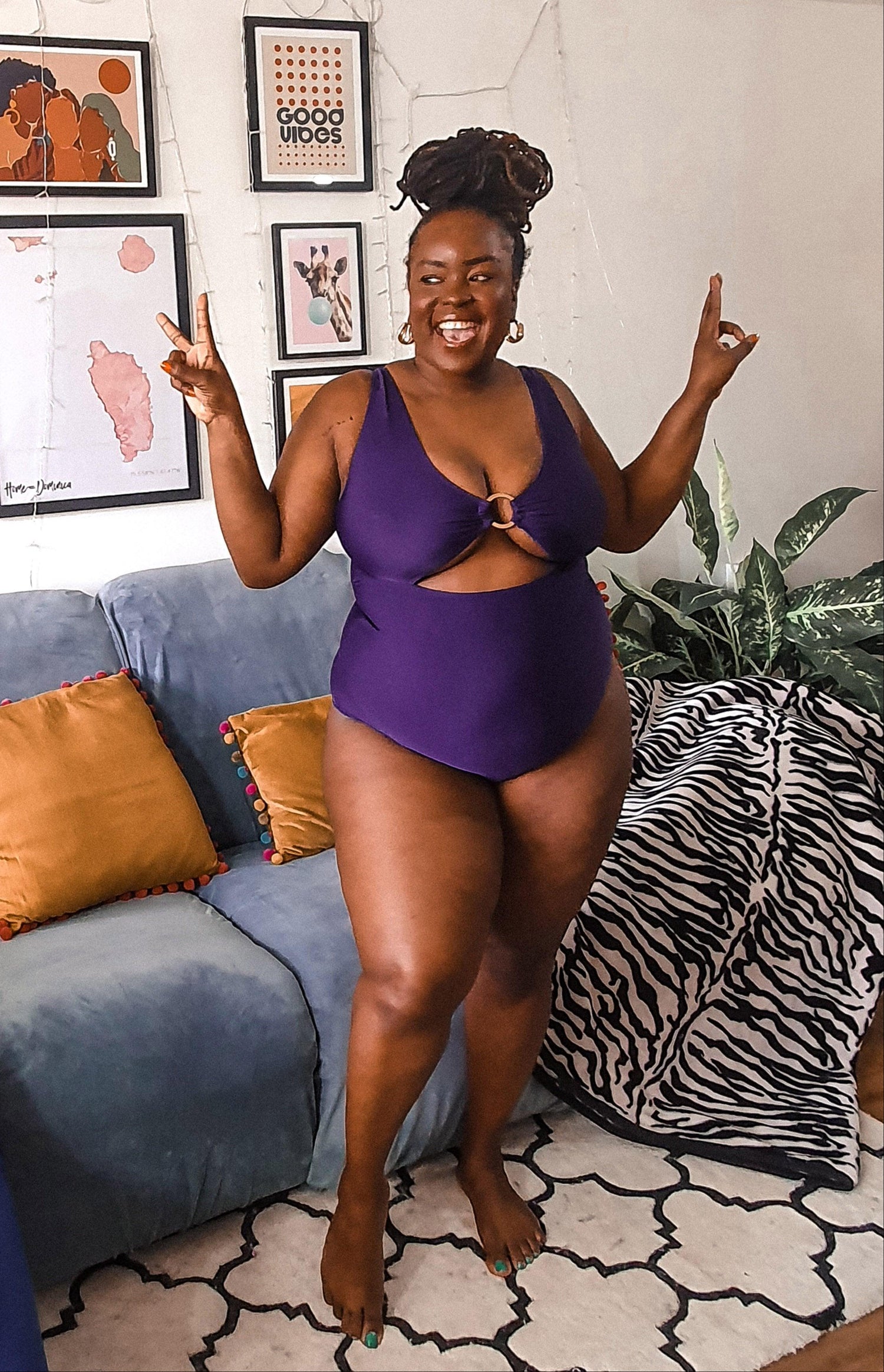
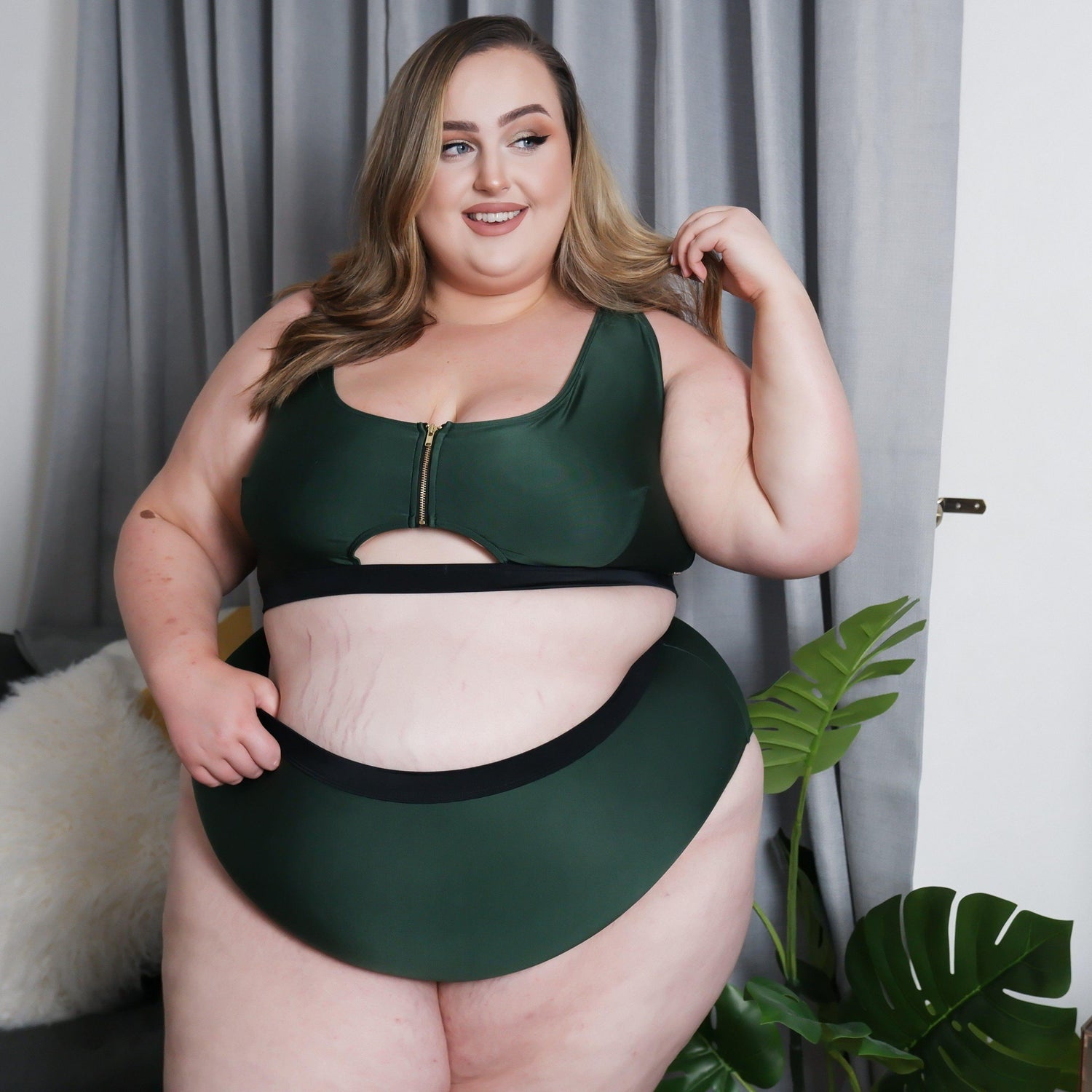
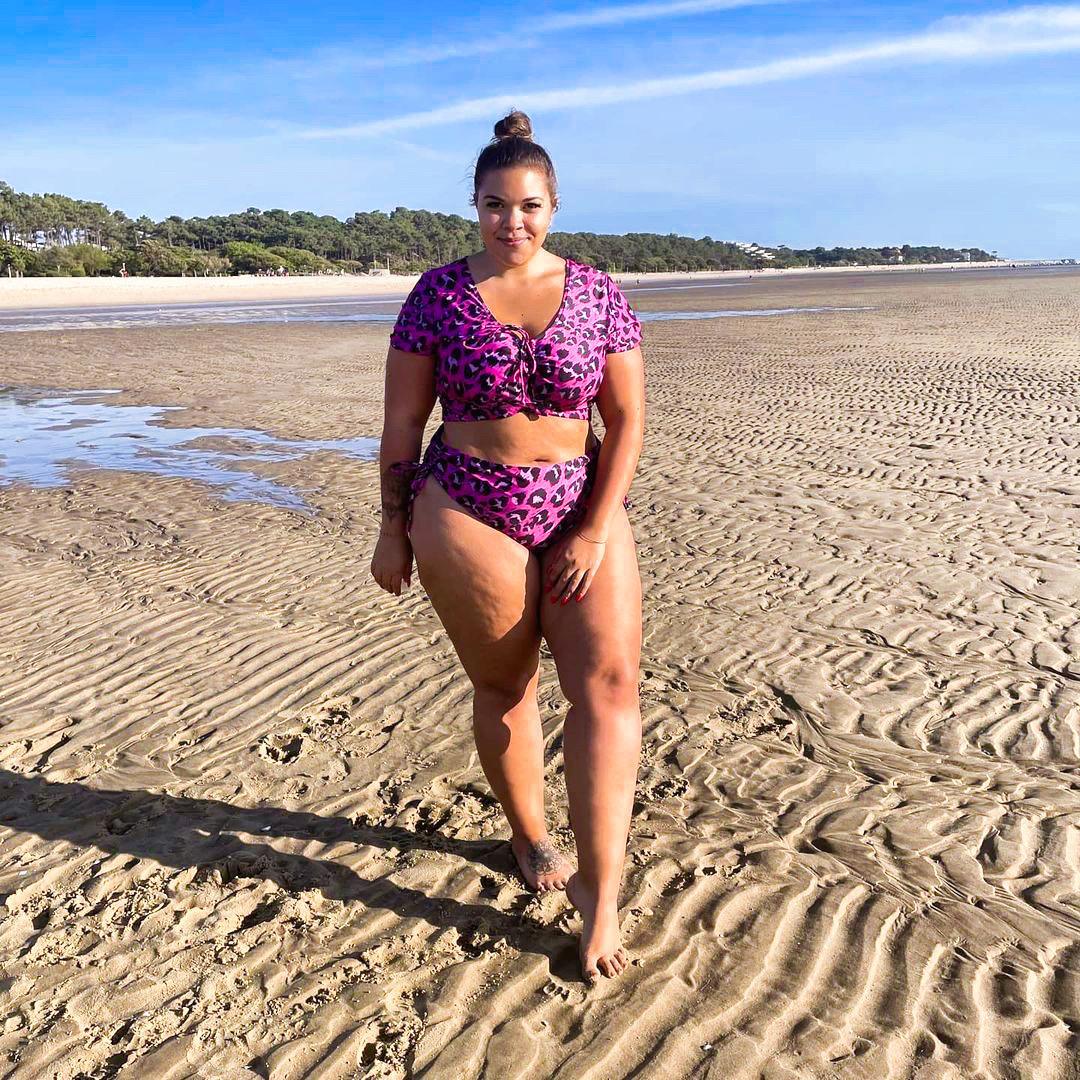
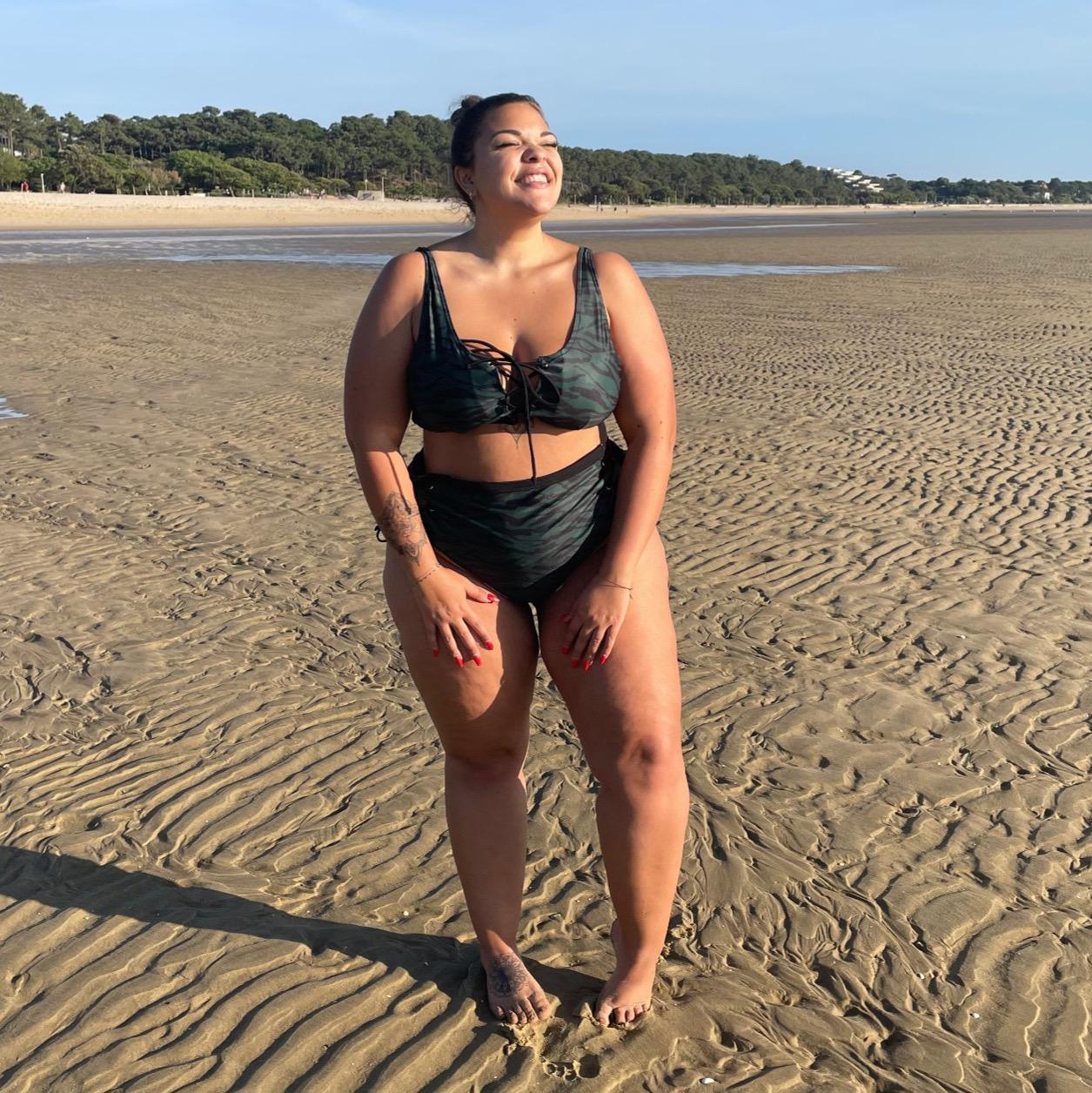
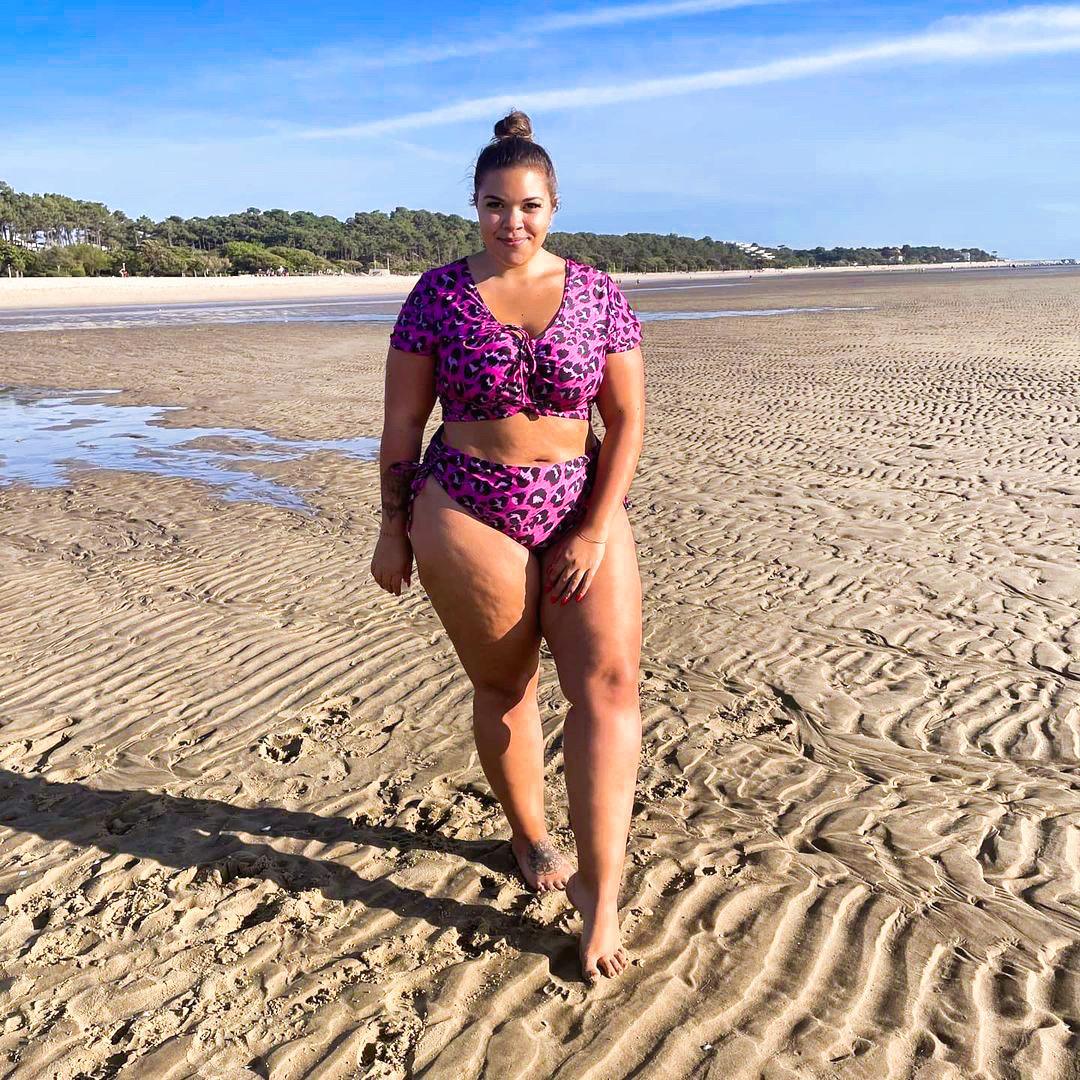
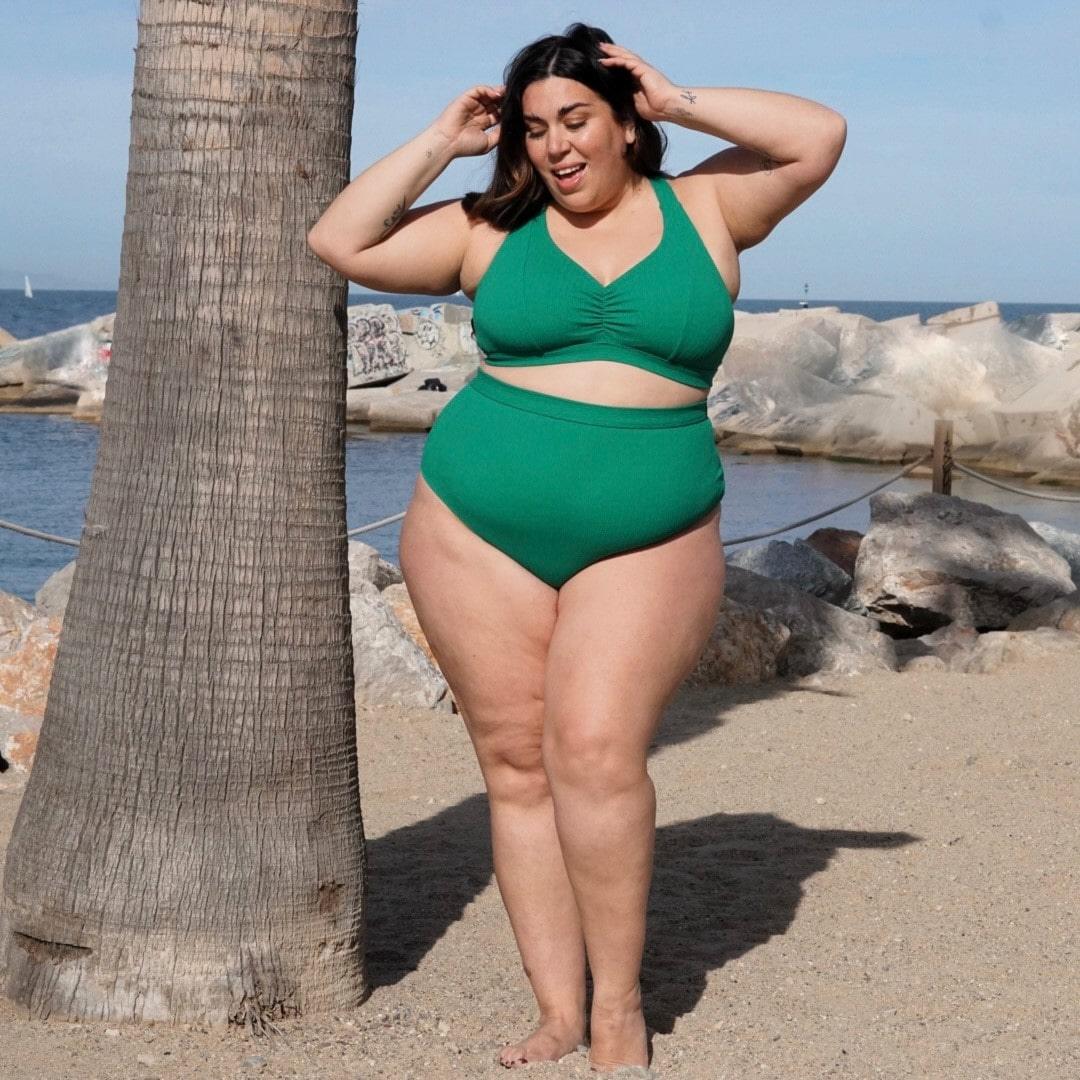
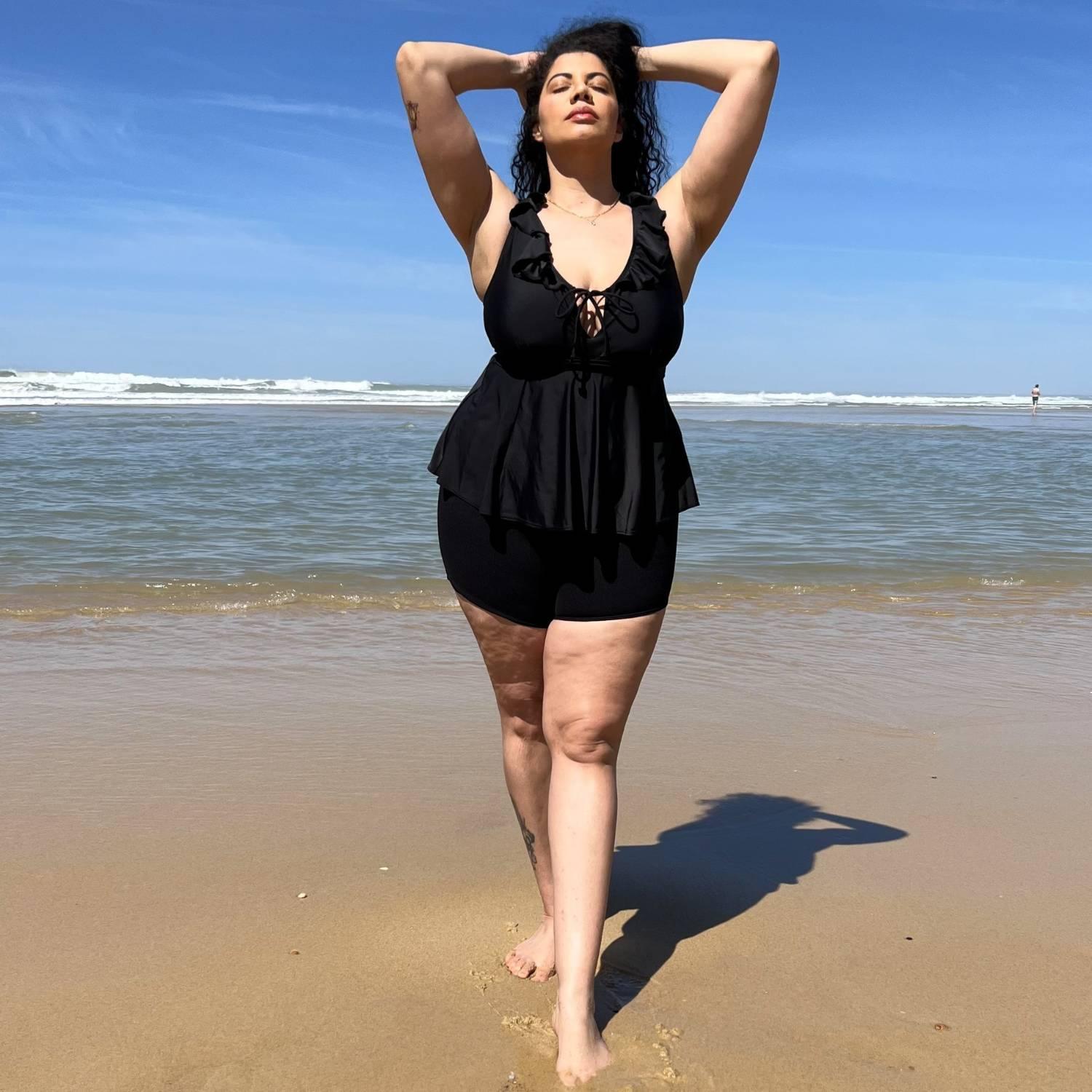
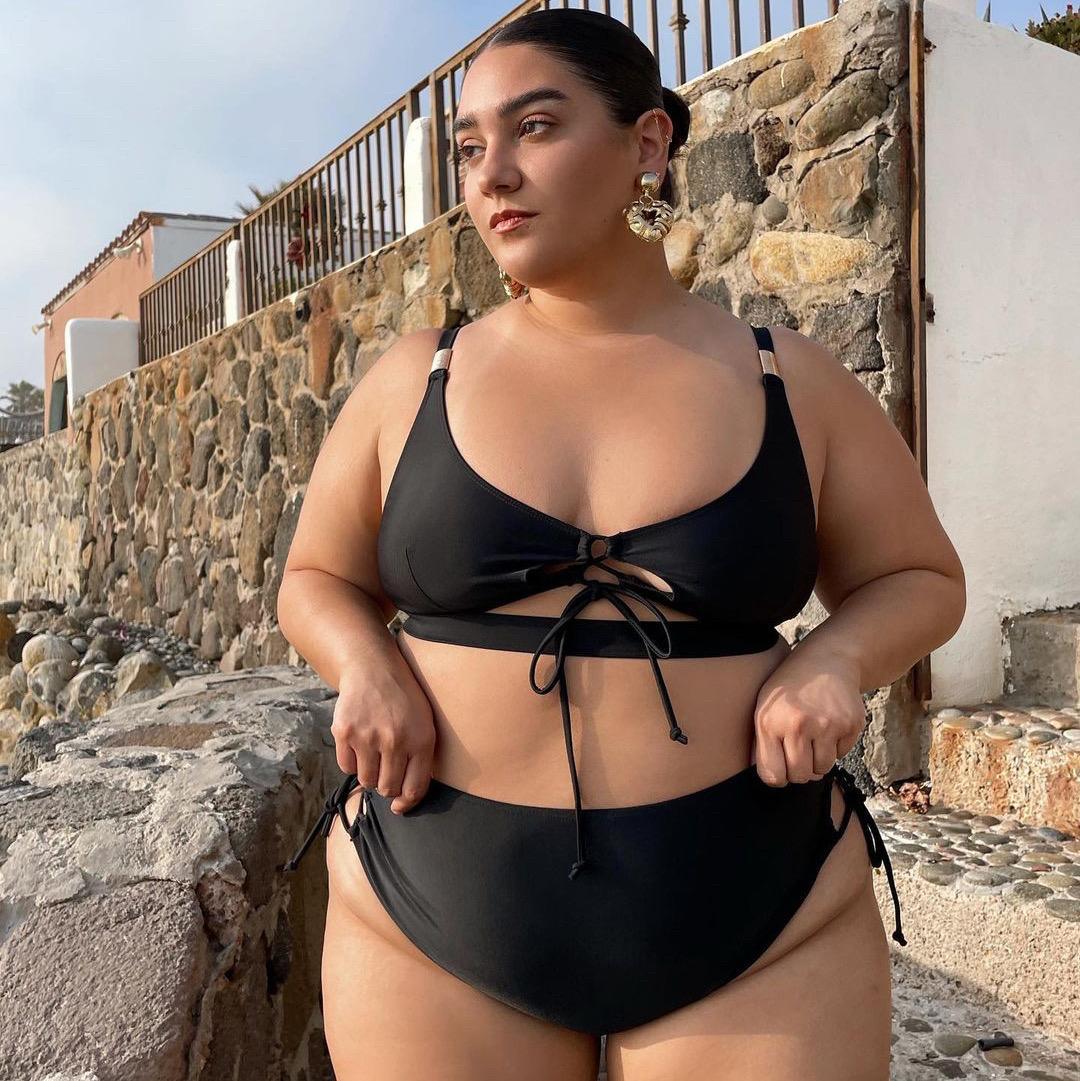
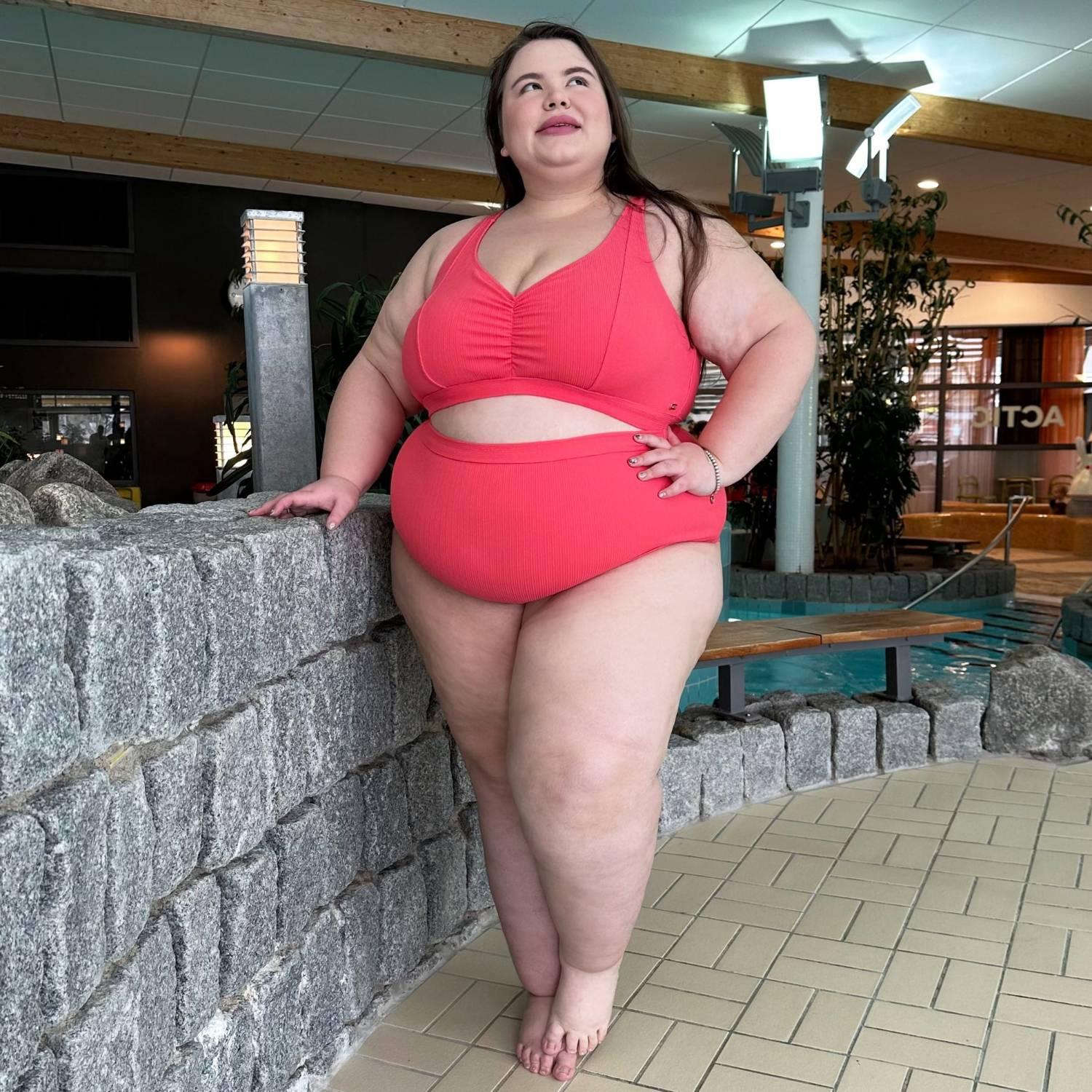
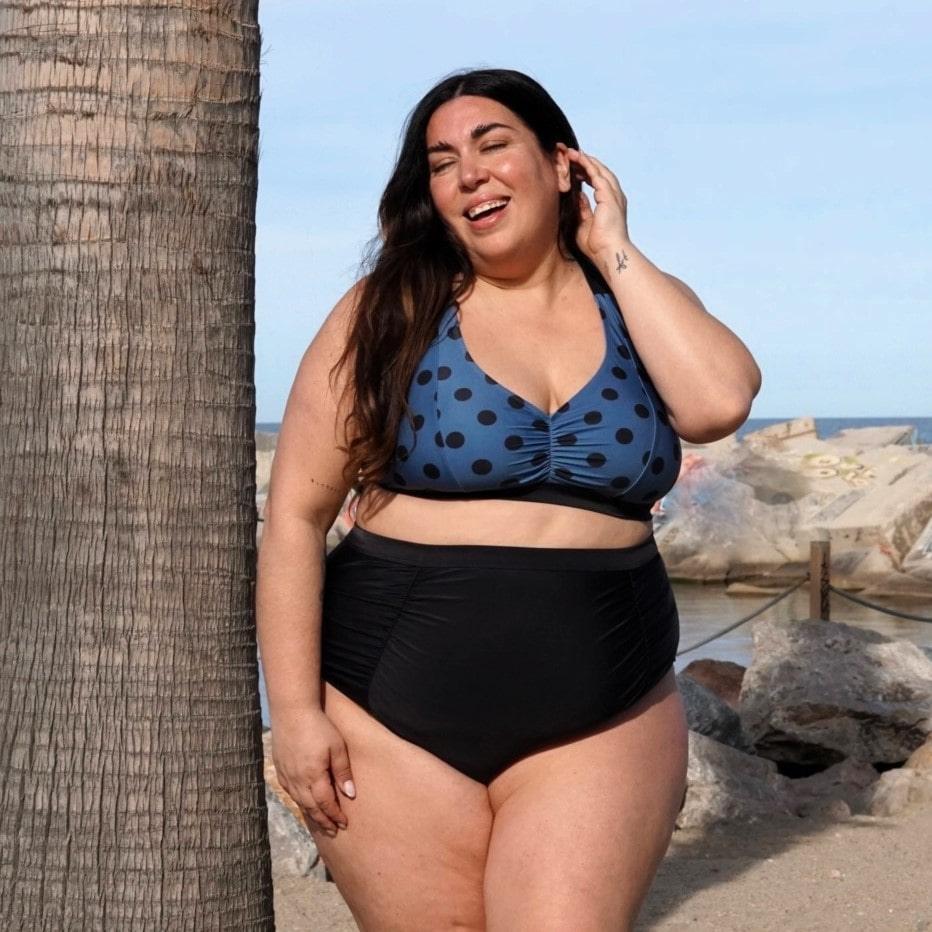
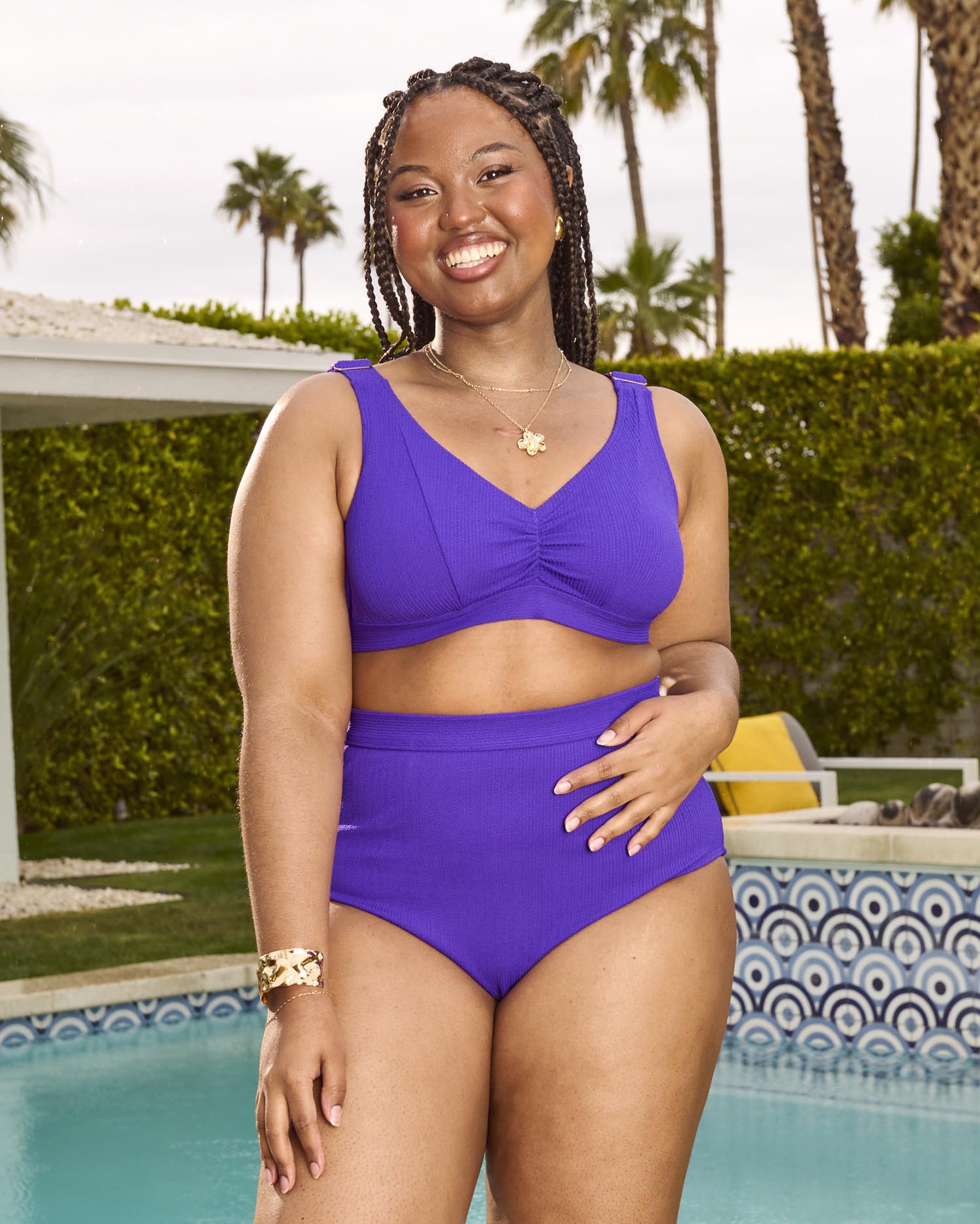
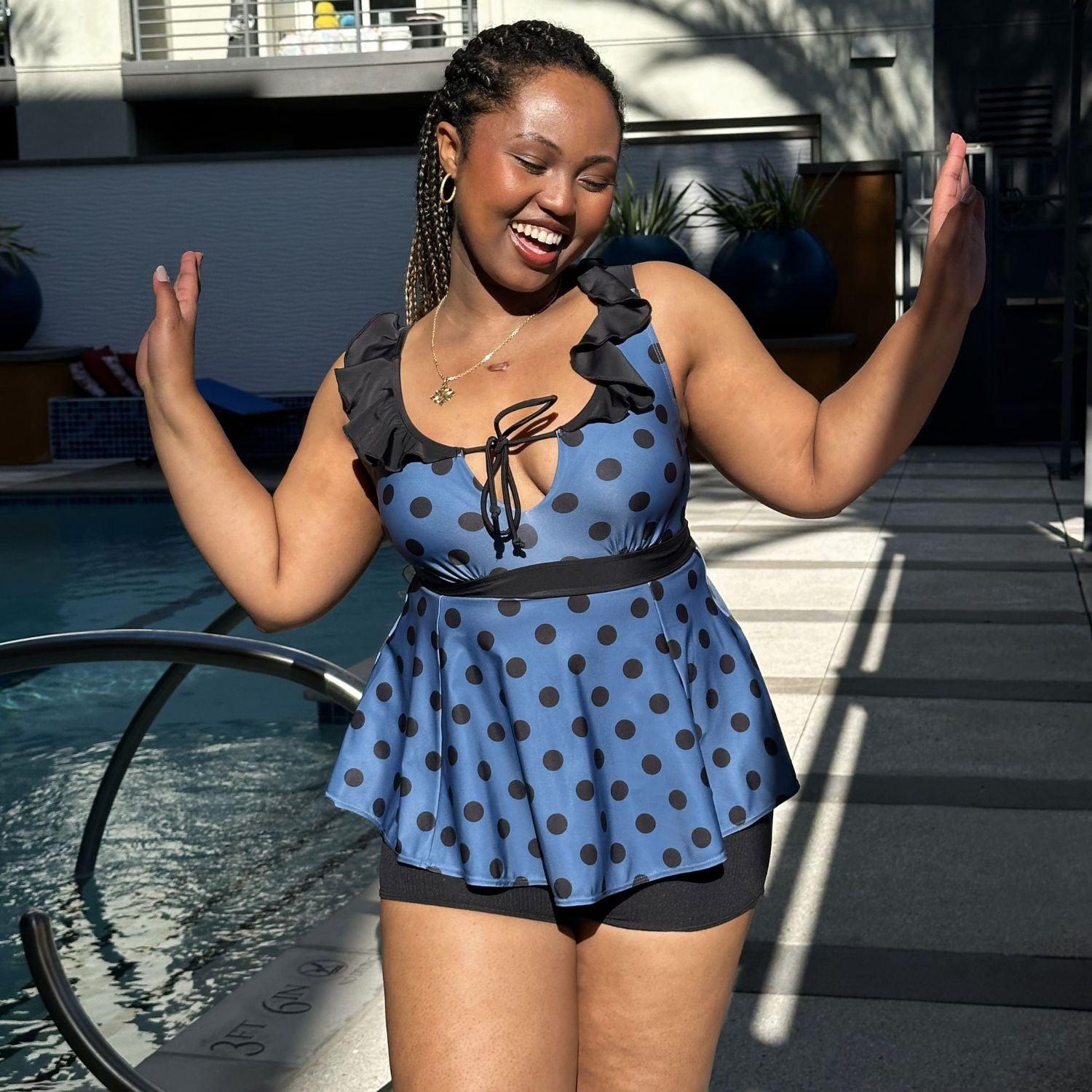
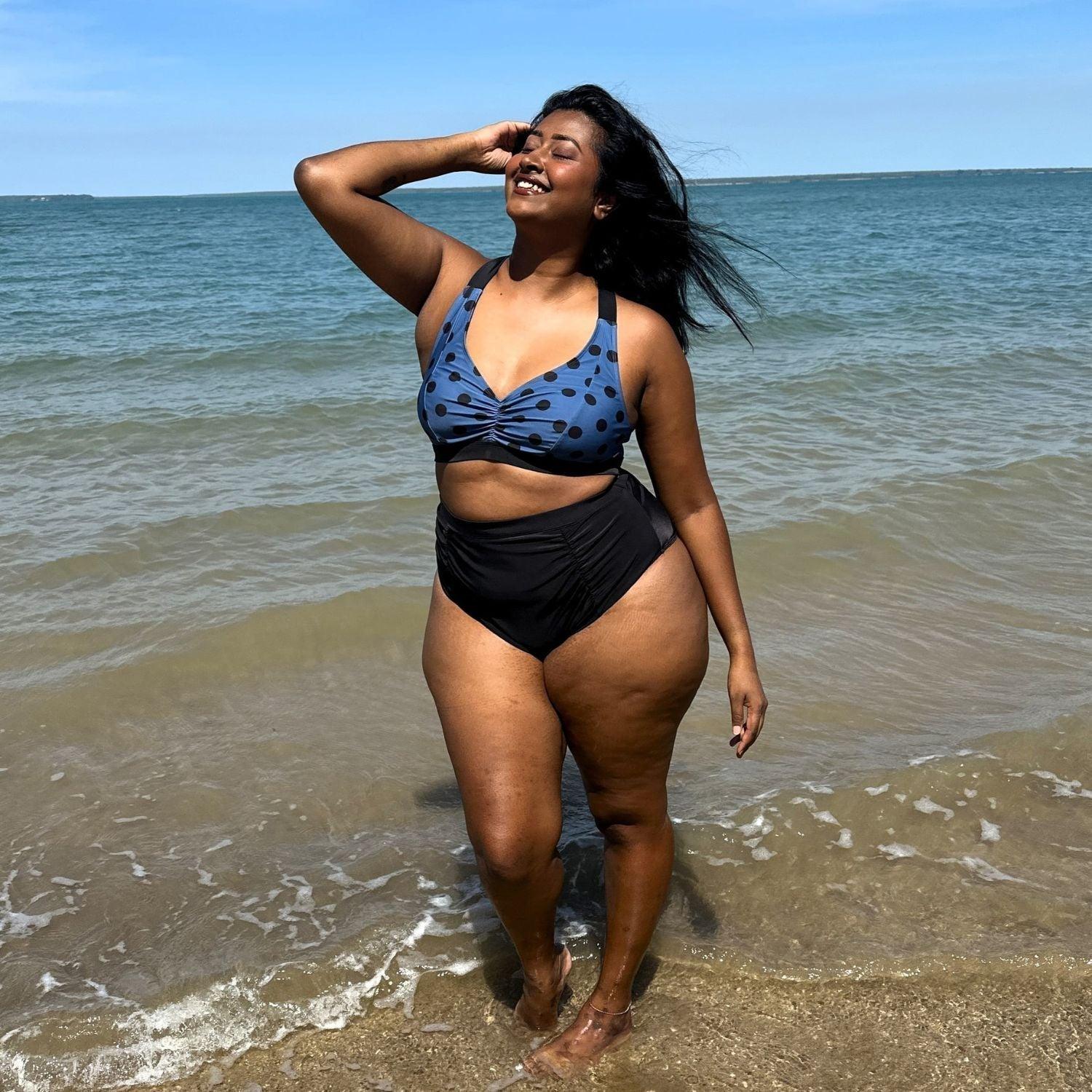
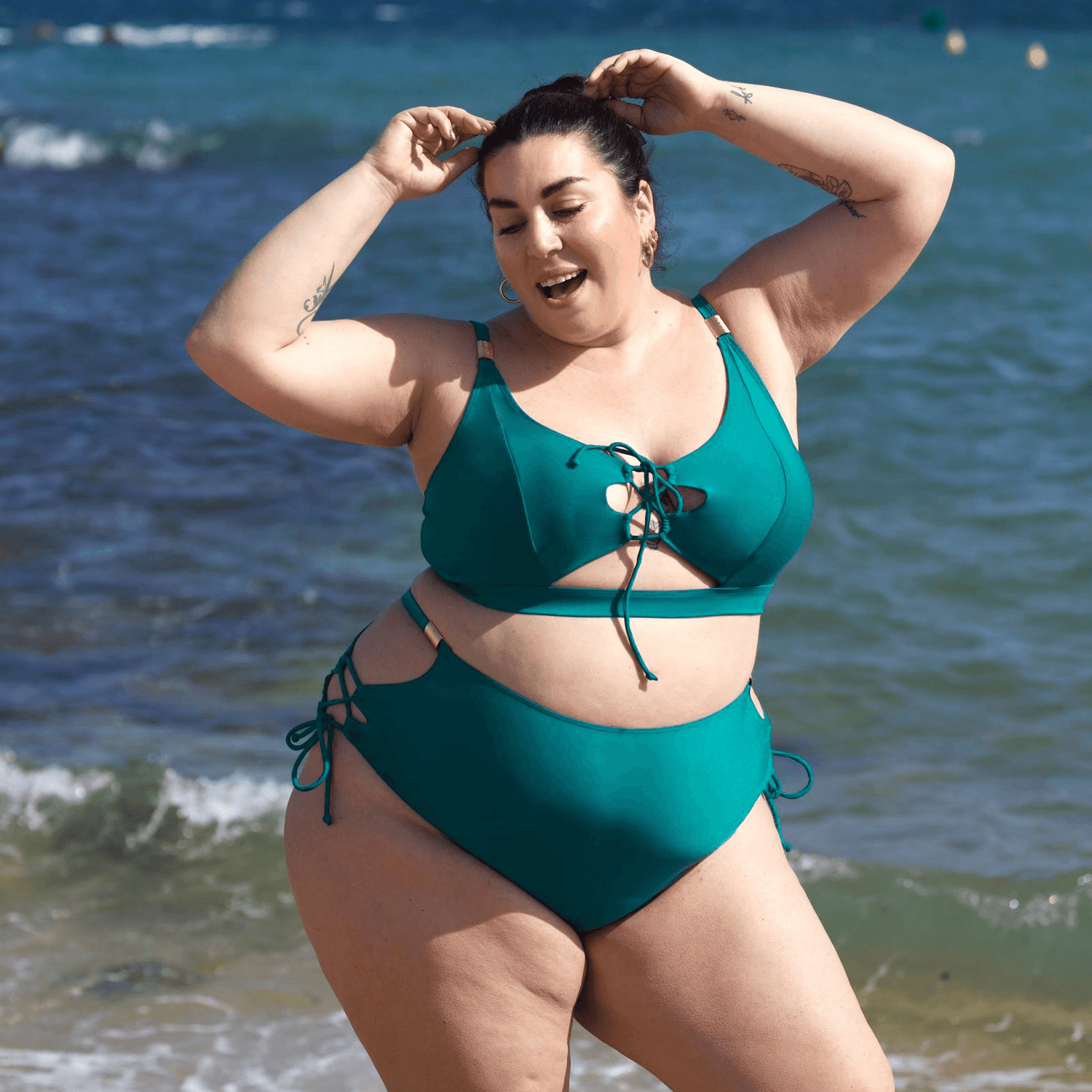
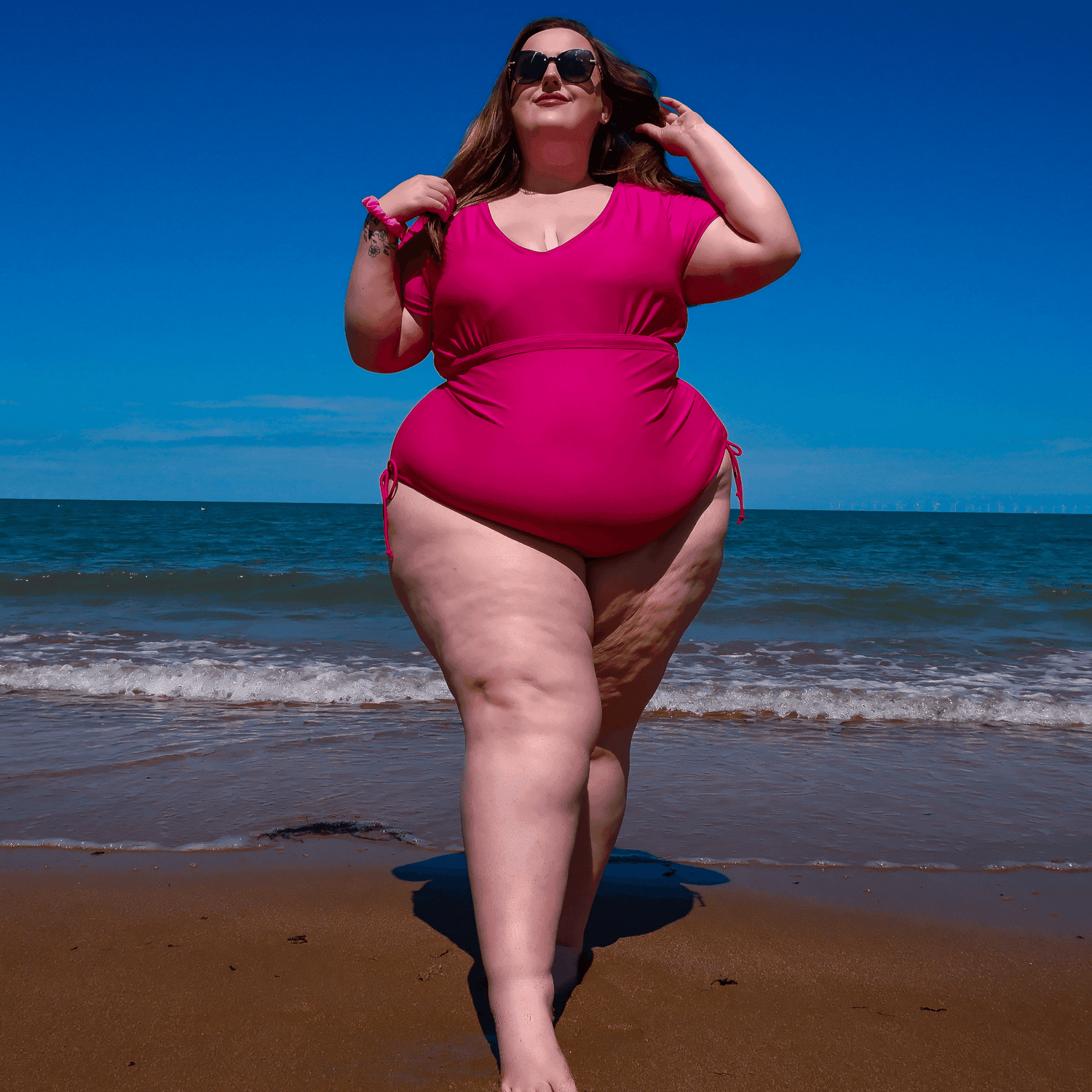
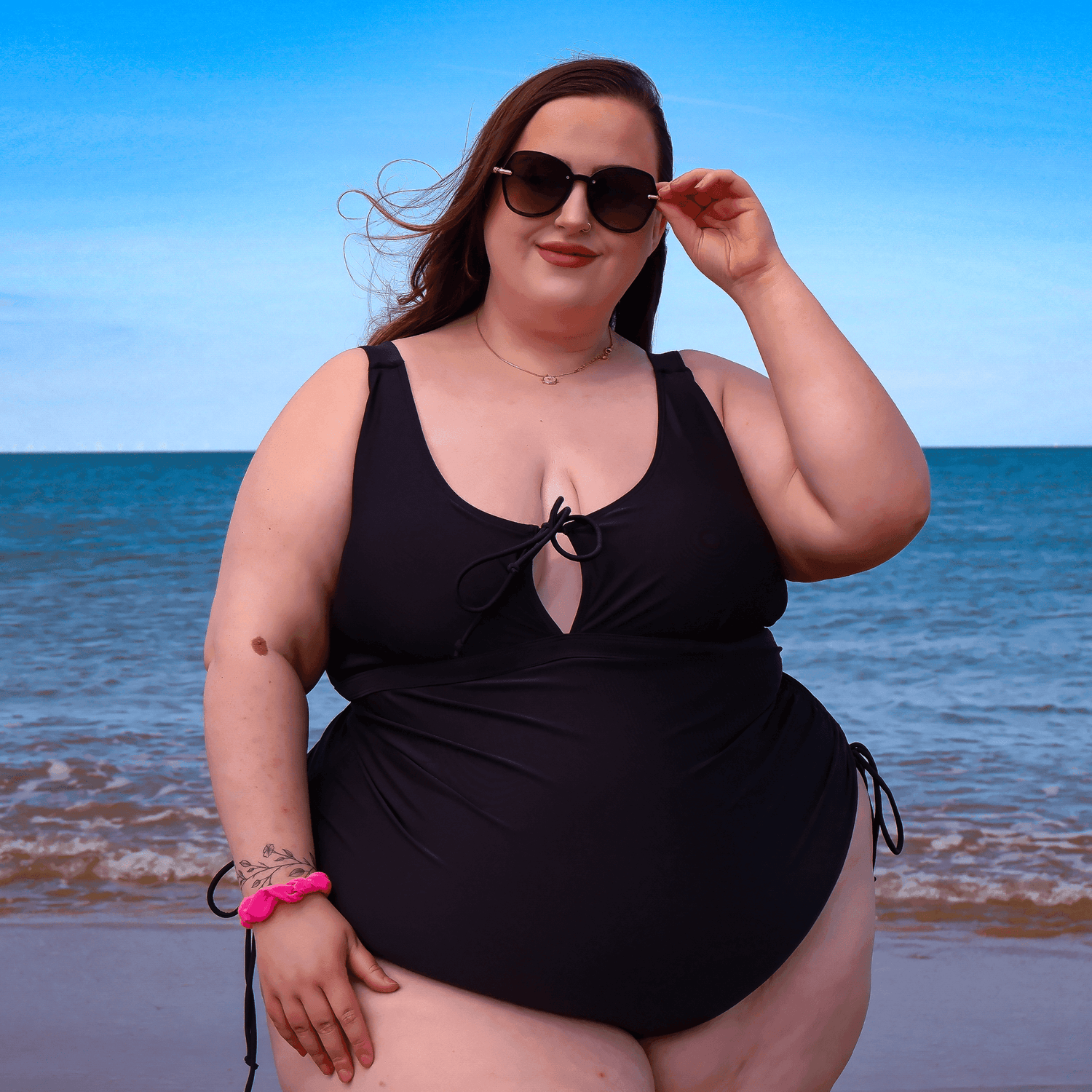
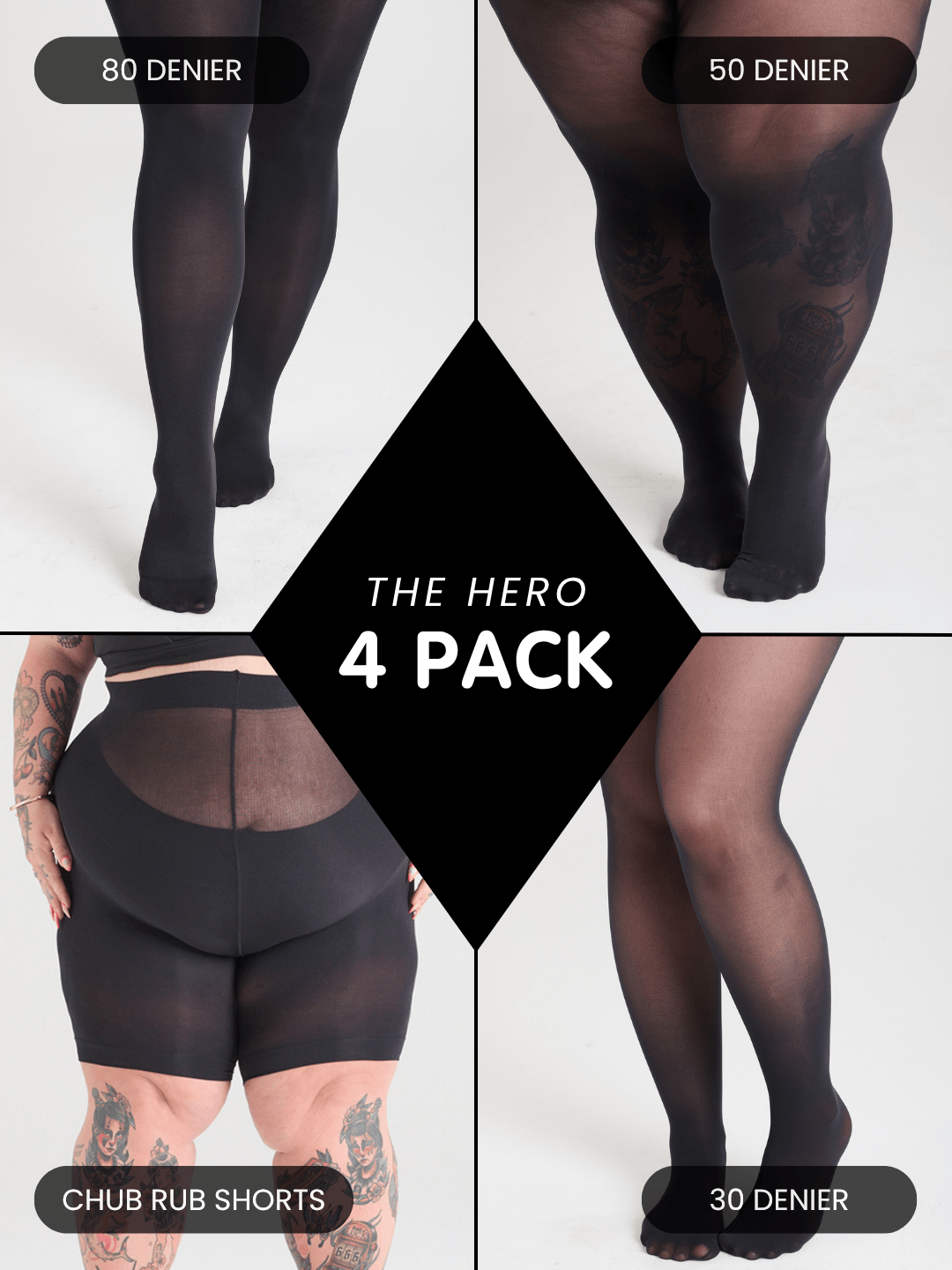
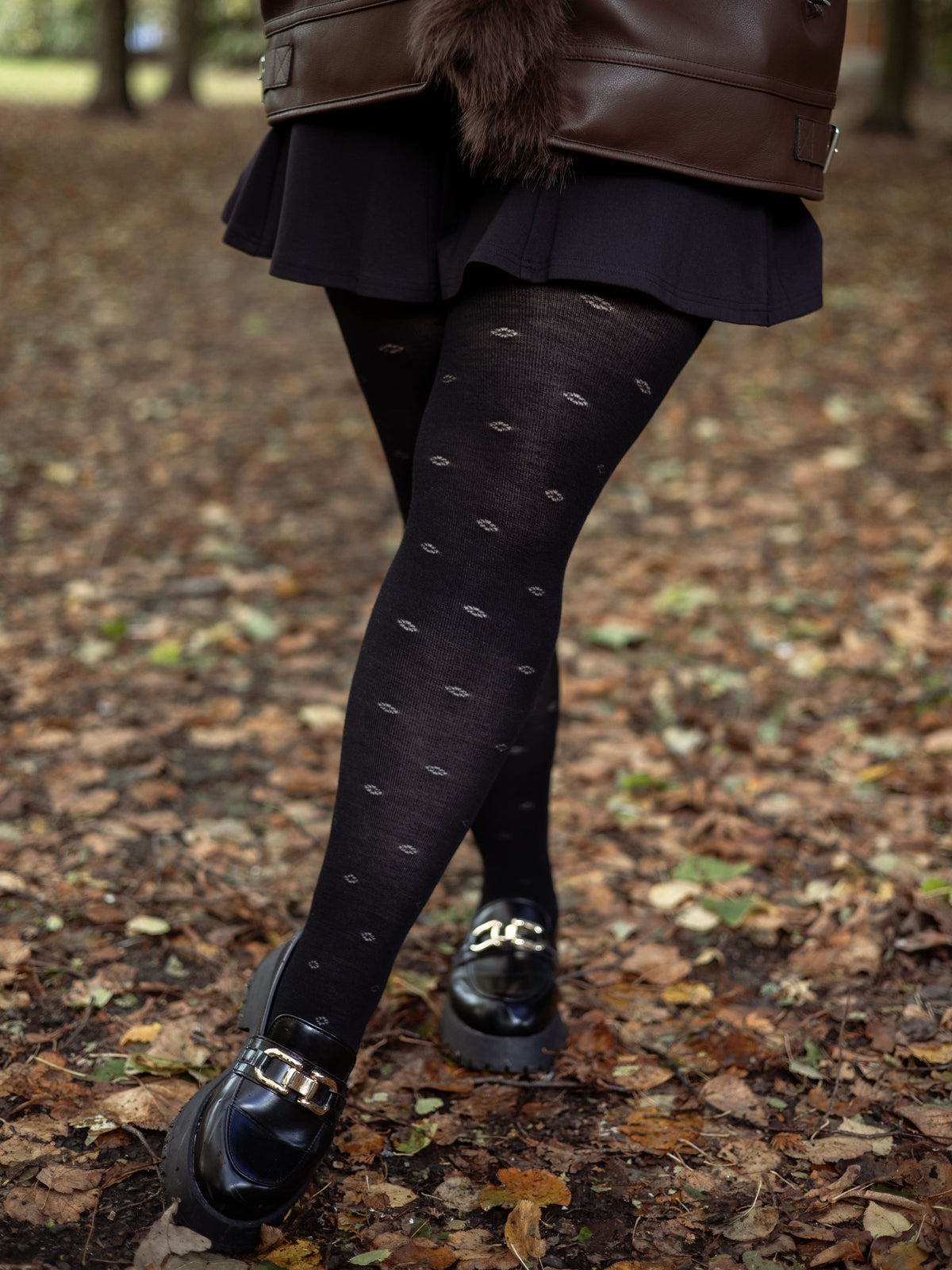
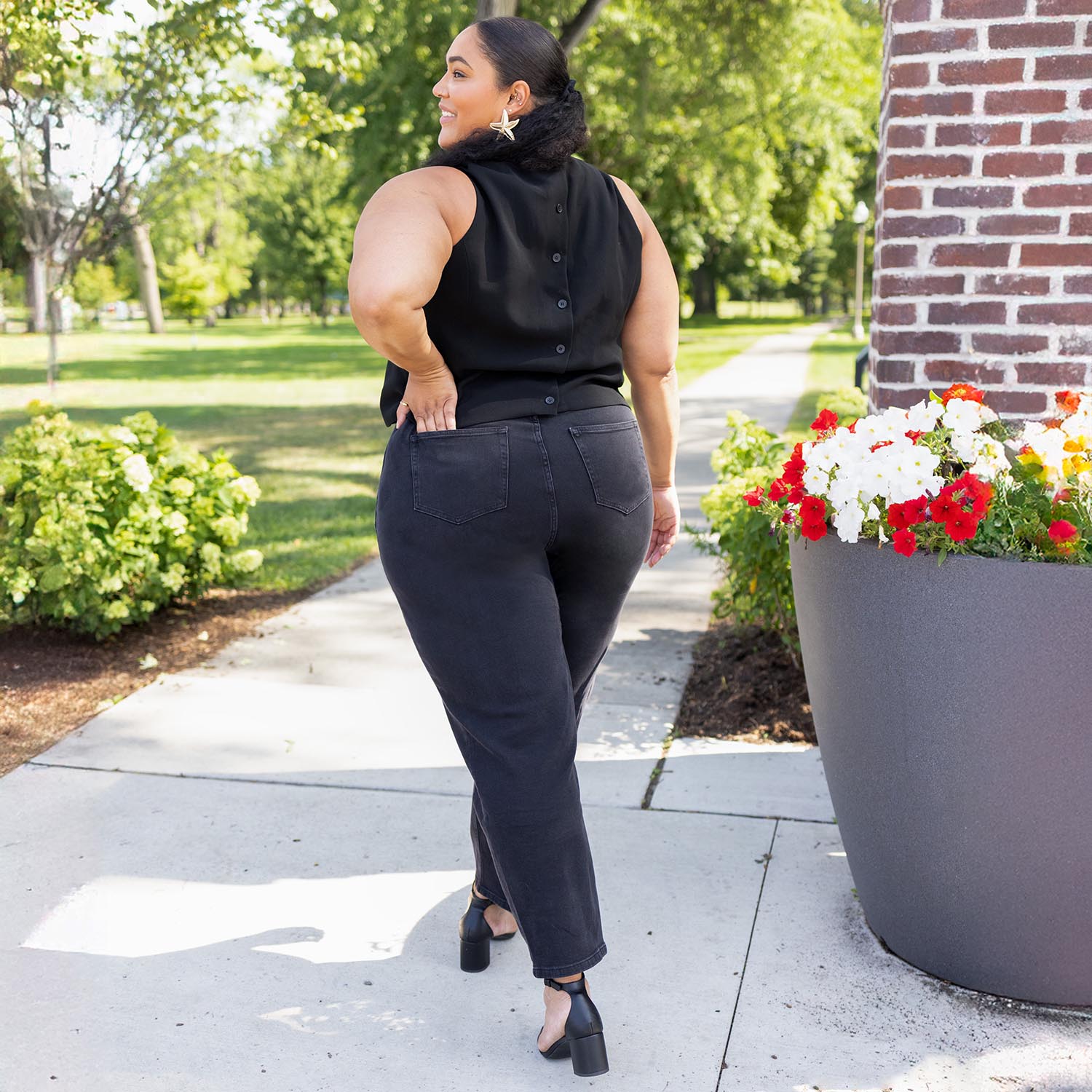
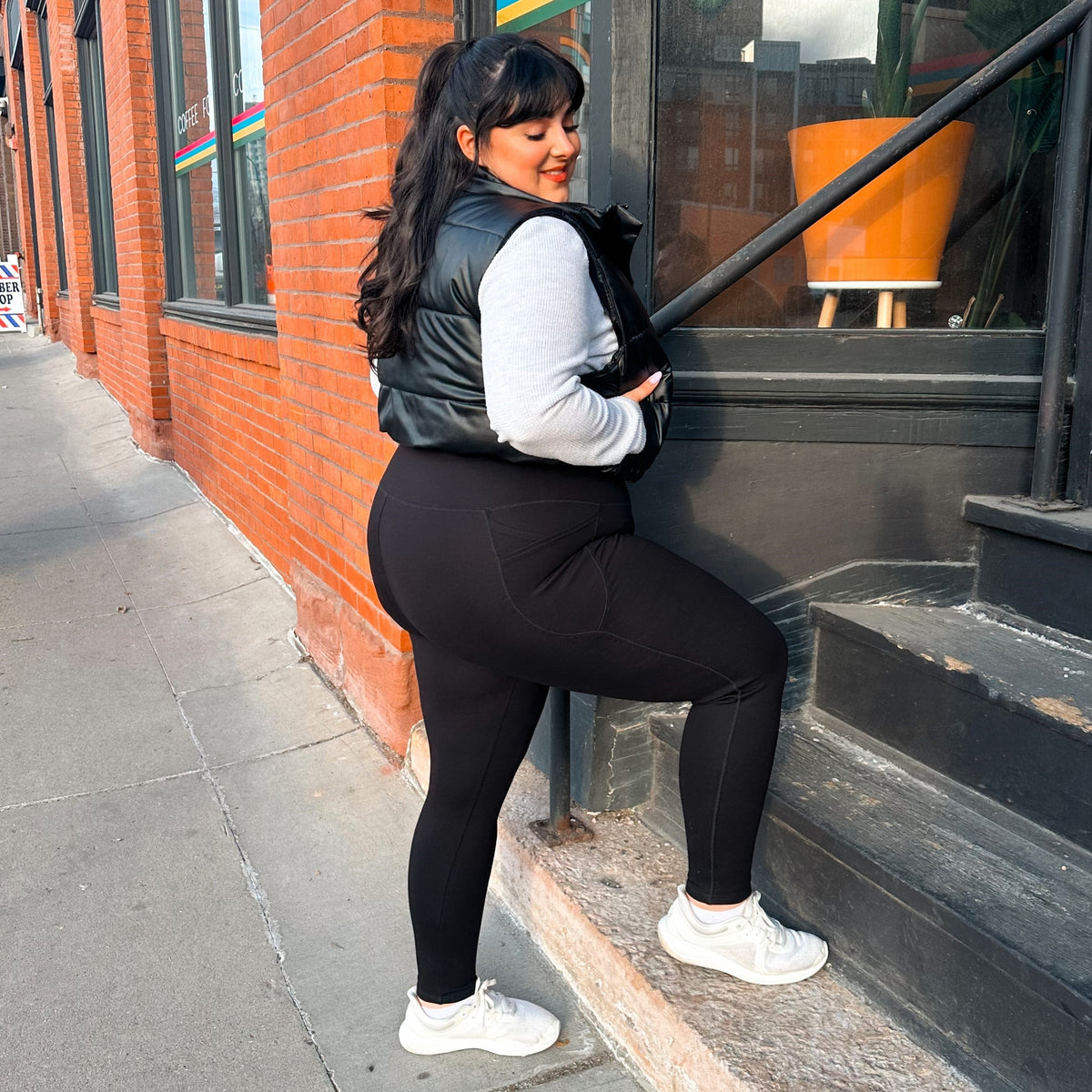
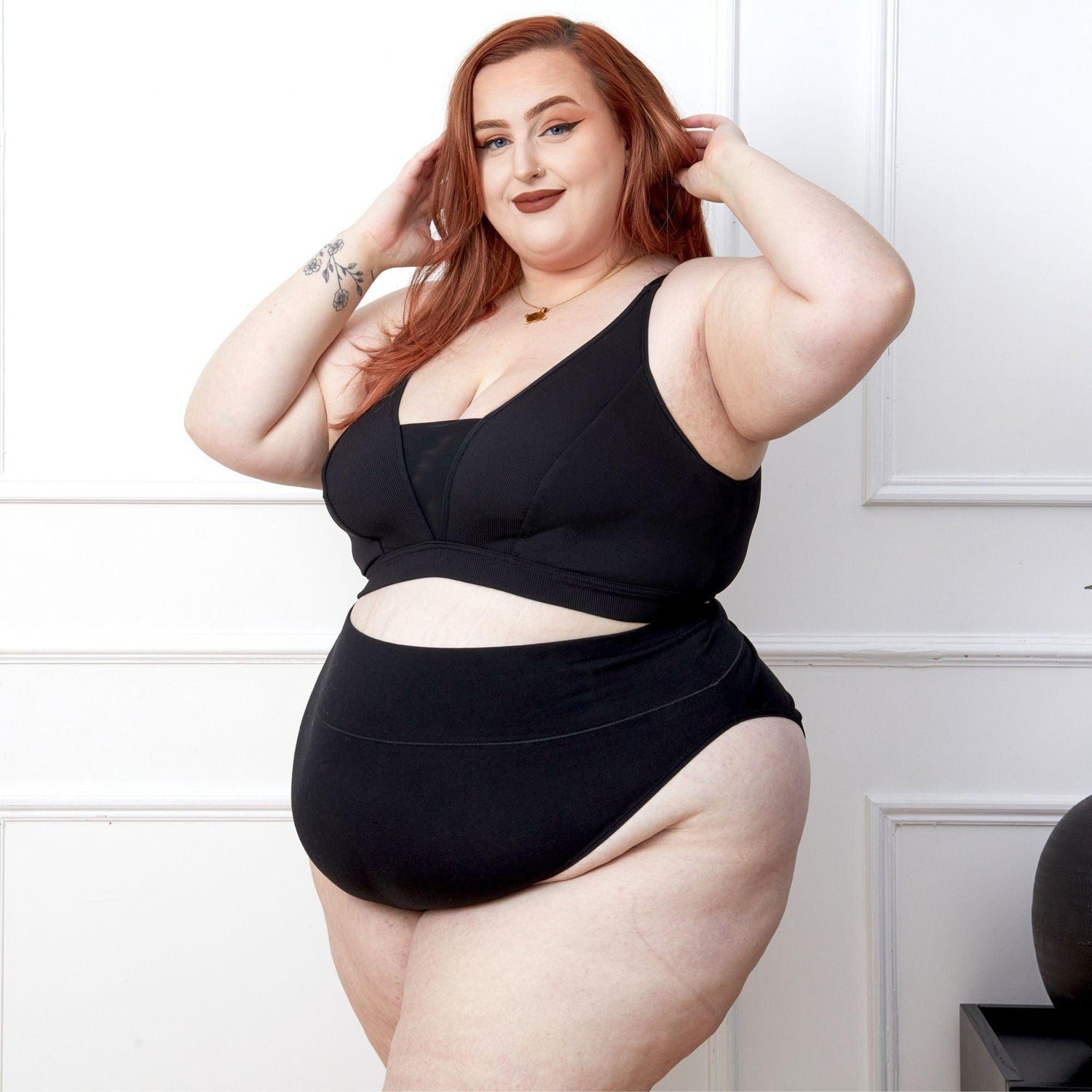
Swimsuits, bikinis and tankinis made to fit every body, with support that stays put whether you're swimming lengths or lying by the pool. Every size is fit-tested on real bodies, so straps sit where they should and nothing rides up. Mix and match tops and bottoms to find your combination.
The biggest thing to check is how a piece is actually constructed, not just the size on the label. Snag fits every swimwear style on every size across multiple heights rather than scaling one sample up or down, so the proportions are built for that size from the start.
Does plus size swimwear give enough support?
It should, and the details are what make the difference, built-in cups, underbust support and wide adjustable straps, rather than just stretchy fabric doing all the work. Snag builds these into the range from the start, like adjustable tie fronts and cups sewn into swim dresses, so support isn't an afterthought.
Why do bikini straps dig in or slip down, and how do you stop it?
Straps dig in when there's not enough surface area taking the weight, and they slip when they're too smooth to grip your skin or strap. Snag makes silicone strap cushions specifically for this, they sit under the strap to spread the pressure and stop it sliding, and they work on swimwear, bra straps or anything else that's rubbing.
Is there swimwear designed for pregnancy?
Yes, Snag has a maternity swimsuit built on the same tie-front style as the rest of the range, with extra stretch and support added in for a growing bump. It's not just a bigger version of the regular swimsuit, the fit is specifically adjusted for it.
What is swimwear made from, and is it sustainable?
Snag's swimwear is made from at least 50% recycled textiles in a soft, stretchy fabric, so it's not all virgin plastic. It's built to be comfortable and hold its shape for regular wear in the pool or the sea, not just for one holiday.
Step 1: Choose message placement
Click the button below and then hover over your page to select a placement.
Step 2: Paste and save
You have copied the placement for the Product Page.
Go back to the App Embeds section, and in the Paypal Advanced Settings, paste the copied value into the
Product Page field and click the 'Save' button in the top right corner.